We build a motion graphic overlay to help promote your Instagram account for your videos. We then turn this overlay into a template file that you can reuse and reuse. Everything in this tutorial can be done within the free version of DaVinci Resolve 15. You can also change the logo to promote anything really.
Build overlay to promote instagram in DaVinci Resolve


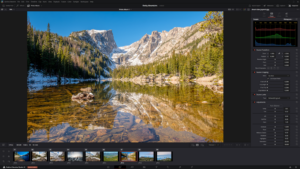
- Davinci Resolve 21 New Photo Page
- New Keyframe and Curves Editor in DaVinci Resolve 21
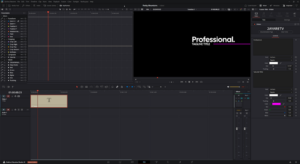
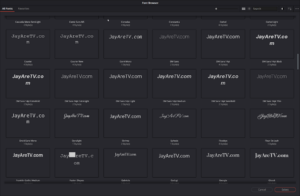
- DaVinci Resolve 21 Visual Font Previews and Dedicated Font Browser
- DaVinci Resolve 21 Expands Creative Horizons with Native Lottie and OGraf Support

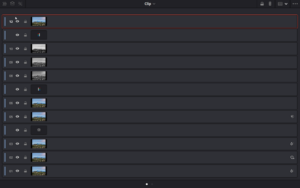
- DaVinci Resolve 21 New Node Graph “Layer List” View
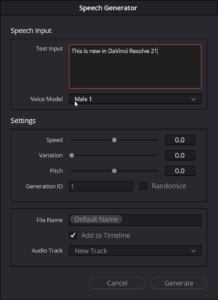
- AI Speech Generator in DaVinci Resolve 21
- uTextureTransform Node
- uTexture Node