Timestamps
0:00 intro
0:48 Adding text into Fusion project using Text+ node
1:41 Tab Spacing is a easy way to build text columns
3:44 Text Scramble effect in Fusion
6:14 Shading Elements
6:50 Adding drop shadow to text node
8:08 Text background
9:54 Change parts of text color, font, size
12:08 Animating text in Fusion with follower delay
16:36 Adding a handful of effects to one text node in fusion
Get more out of the Text Tools for Fusion in DaVinci Resolve



- Davinci Resolve 21 New Photo Page
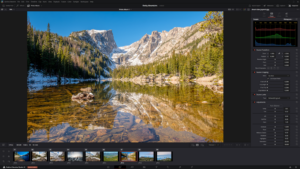
- New Keyframe and Curves Editor in DaVinci Resolve 21
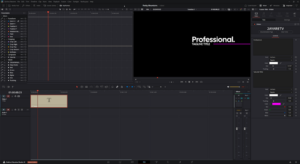
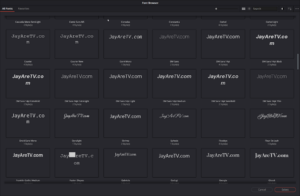
- DaVinci Resolve 21 Visual Font Previews and Dedicated Font Browser
- DaVinci Resolve 21 Expands Creative Horizons with Native Lottie and OGraf Support

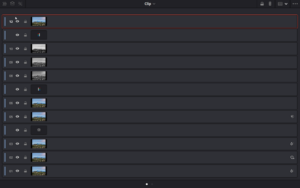
- DaVinci Resolve 21 New Node Graph “Layer List” View
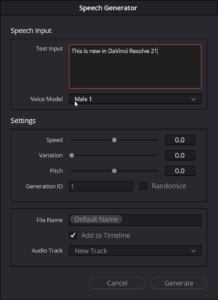
- AI Speech Generator in DaVinci Resolve 21
- uTextureTransform Node
- uTexture Node