We’ll be combining multiple images and video into one using Fusion inside DaVinci Resolve. We dive into how to use blending with masks to create a unique look. We then overlay a light leak as well and some grain to add that extra texture to finish off the look.
Double Exposure with DaVinci Resolve


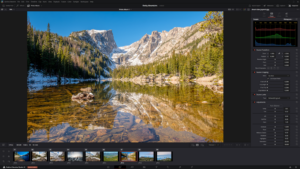
- Davinci Resolve 21 New Photo Page
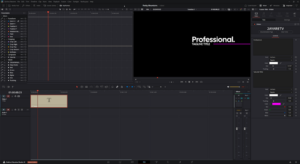
- New Keyframe and Curves Editor in DaVinci Resolve 21
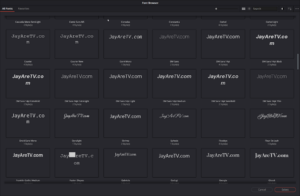
- DaVinci Resolve 21 Visual Font Previews and Dedicated Font Browser
- DaVinci Resolve 21 Expands Creative Horizons with Native Lottie and OGraf Support

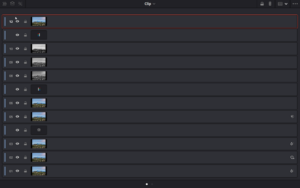
- DaVinci Resolve 21 New Node Graph “Layer List” View
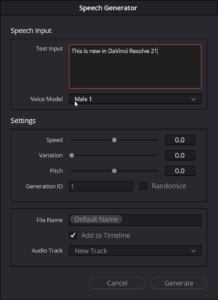
- AI Speech Generator in DaVinci Resolve 21
- uTextureTransform Node
- uTexture Node