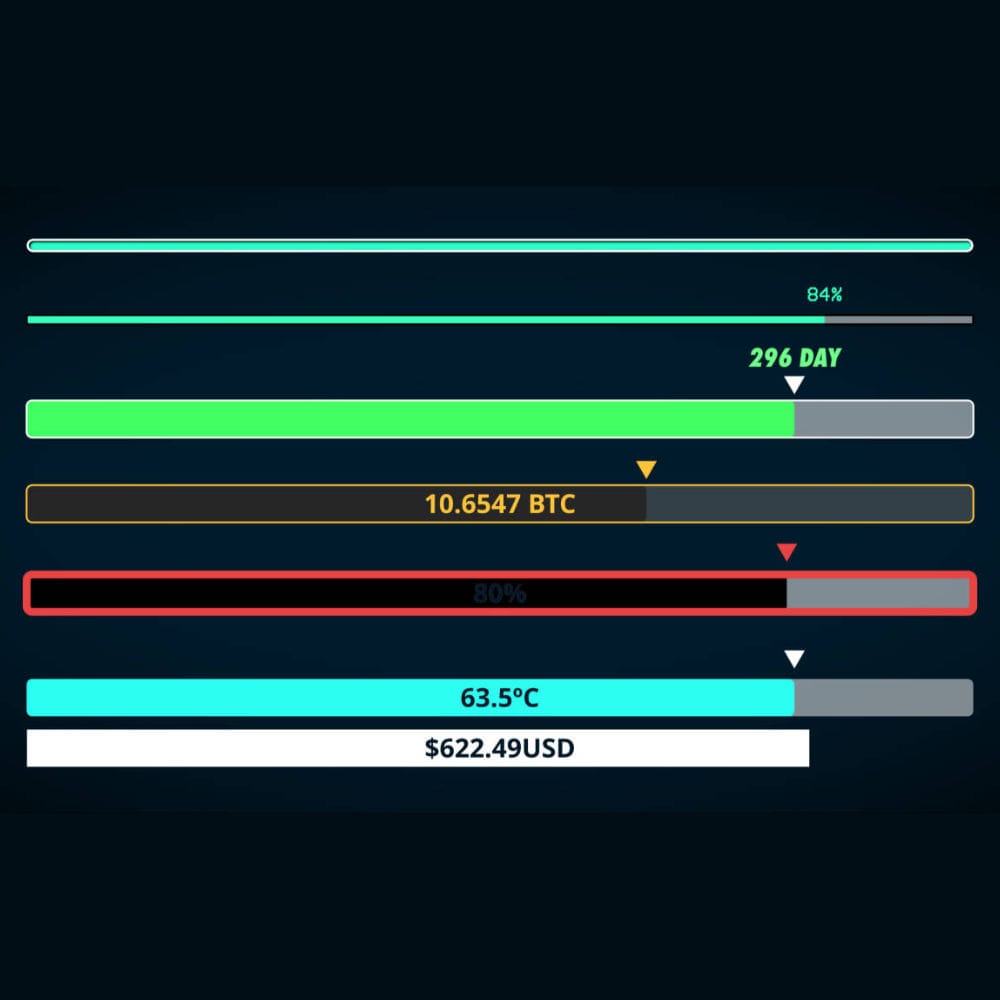
Create pop animations in DaVinci Resolve with a few clicks!
Introducing Pop Elements, the ultimate tool for DaVinci Resolve that brings a vibrant collection of 20 pop elements to your projects.
With Pop Elements, you can easily add eye-catching animations to your logos, titles, and motion graphics. Simply select any pop element from the library, and watch it come to life with just one click. It’s that simple!
A Library of Customizable Pops! ✨
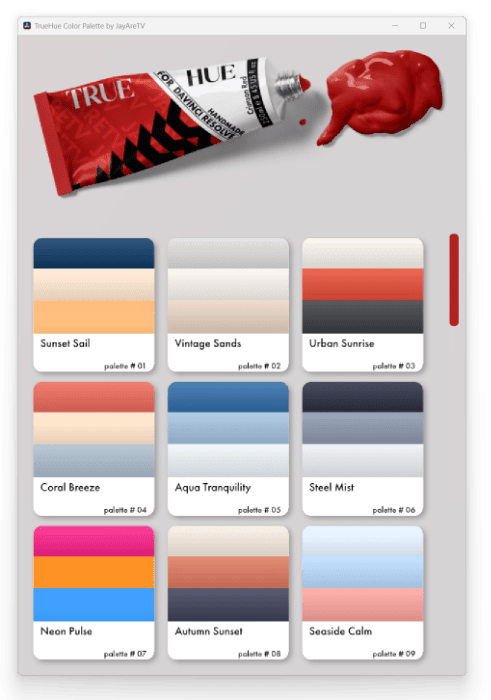
Pop Elements includes 20 customizable pop animations designed to bring an explosion of energy to your work. Plus, it comes with TrueHue, a color palette picker featuring 40 stunning colors to give you a perfect starting point. Whether you’re looking for bold, vibrant hues or subtle, sophisticated tones, TrueHue makes it easy to find the right colors to enhance your pops.




















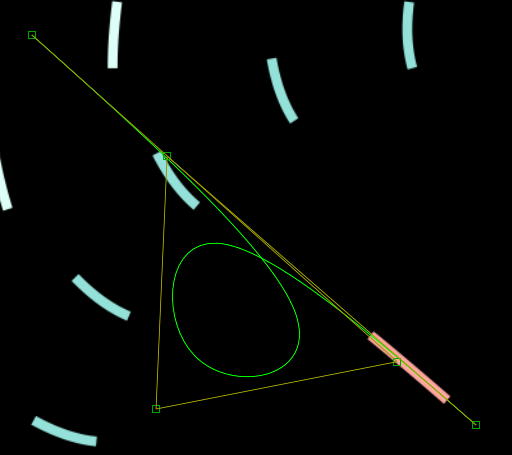
Turn on the Fusion overlay to gain full control over your animations. With only a few clicks change the animation paths, enabling you to create a custom look that suits your vision. Whether you prefer dynamic curves, straight lines, or unique motion paths, the flexibility of Pop Elements ensures that each animation can be tailored to your project’s specific needs, giving your work a distinct and professional touch.
TrueHue Color Palette
Using TrueHue helps speed up the creative process, allowing you to focus on crafting the new eye-catching aspects of your work. You can adjust and change the colors of your pops to match your style, ensuring they stand out in any creative project. The possibilities are endless with Pop Elements!
Requirements
Mac OS
- DaVinci Resolve 19.1 Studio
- Minimum of 16 GB of memory
Windows
- DaVinci Resolve 19.1 Studio
- Minimum of 32 GB of memory